




Table of Contents
- Introduction
- Understanding Home Server Power Needs
- Traditional Power Sources for Home Servers
- Renewable Energy Options
- Using a Solar Generator or Portable Power Station
- Comparison: Grid Power vs. Solar Power for Home Servers
- Power Management and Backup Strategies
- Setting Up an Efficient Solar Power System
- How OUPES Supports Reliable Renewable Power Solutions
- FAQ
Introduction
Running a home server is a great way to store files, host media, and manage smart home systems without relying on third-party cloud services. But one challenge quickly becomes clear—keeping the server running 24/7 requires a reliable and efficient power source. Electricity costs, unexpected outages, and environmental concerns are motivating many users to look for cleaner and more independent alternatives.
Among the options available today, solar generators and portable power stations stand out for their combination of sustainability, portability, and quiet operation. This guide walks you through how to calculate your home server’s energy needs, compare different power solutions, and build a setup that’s both cost-effective and eco-friendly.
Understanding Home Server Power Needs
What Exactly Is a Home Server?
A home server acts as your personal data center—it can store media, run applications, host backups, or serve as a web or game server. Some people build small systems using Raspberry Pi, while others operate full rack-mounted servers. The type of hardware you use directly impacts your energy requirements.
Typical Power Usage
Here’s a quick overview of how much power different types of servers usually consume:
- Raspberry Pi or low-power NAS: 10–30W
- Mid-range home server (desktop-class CPU): 100–250W
- High-end or rack-mounted server: 300–800W+
If your server draws 150W continuously, it uses about 108 kWh per month (150W × 24h × 30 days). At the U.S. average rate of $0.15 per kWh, that’s roughly $16 monthly. Multiply that by a year, and your home server alone can add nearly $200 to your power bill.
Traditional Power Sources for Home Servers
Grid Electricity
Most home servers run directly from the electrical grid. It’s convenient and usually stable, but it also makes you dependent on utility companies and fossil fuels. Energy costs can rise, and blackouts—though rare—can interrupt your uptime.
Uninterruptible Power Supplies (UPS)
A UPS protects your server from sudden power loss, offering a few minutes to an hour of backup power. While essential, it isn’t a true long-term solution, as it still relies on grid charging.
Fuel Generators
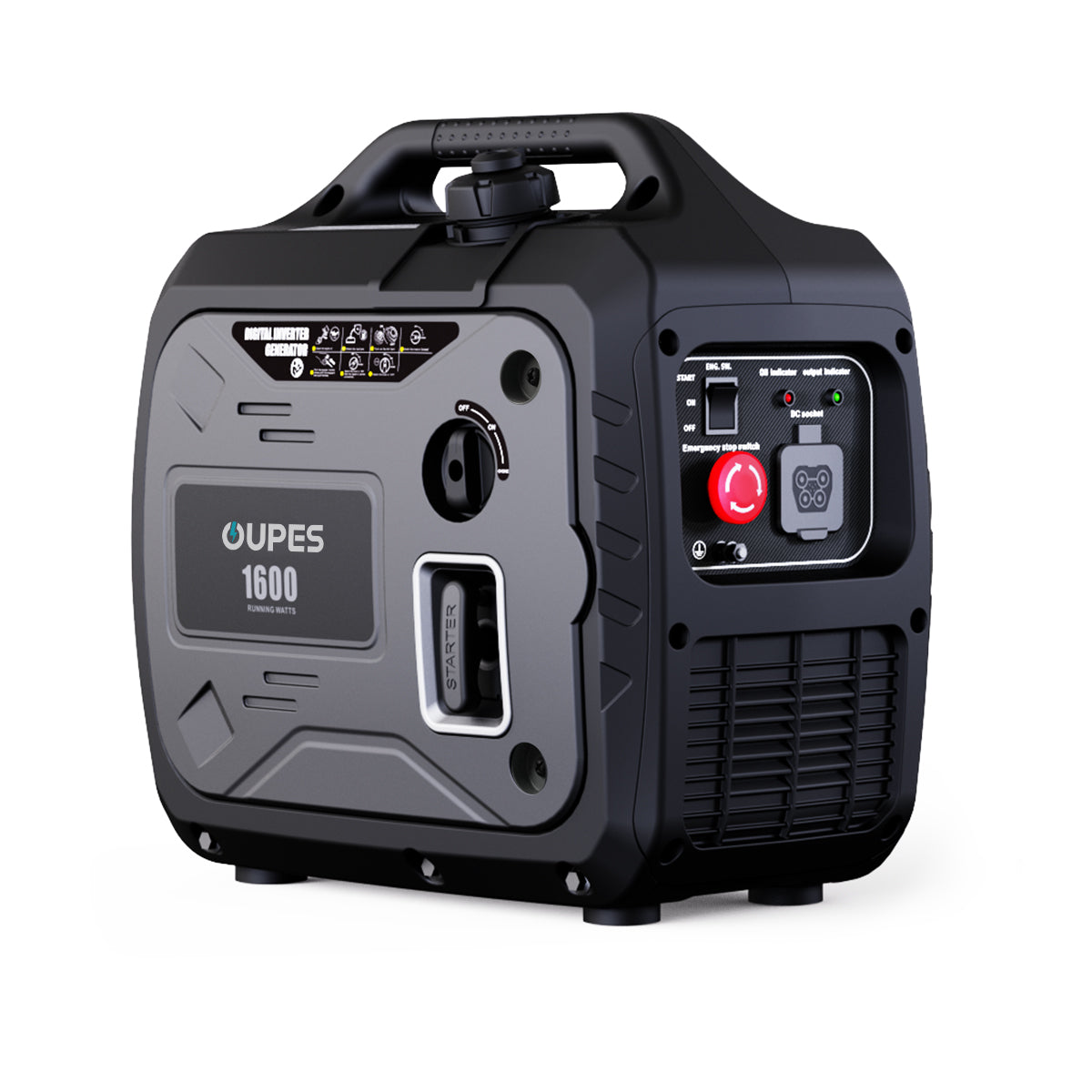
Gas or diesel generators provide backup during extended outages, but they are noisy, require regular maintenance, and produce emissions—not ideal for indoor or urban environments.
Renewable Energy Options
Solar Energy
Solar power has become one of the most practical renewable sources for homeowners. A rooftop or portable solar panel system can generate free electricity during daylight hours, reducing grid dependence and your carbon footprint.
Wind Power
Small-scale wind turbines can complement solar setups, particularly in windy regions or at night. However, they are more location-sensitive and often more expensive to install.
Hybrid Systems
A hybrid setup—combining solar panels, batteries, and perhaps even small wind input—ensures stable, around-the-clock energy production, which is ideal for always-on equipment like servers.
Using a Solar Generator or Portable Power Station
What Is a Solar Generator?
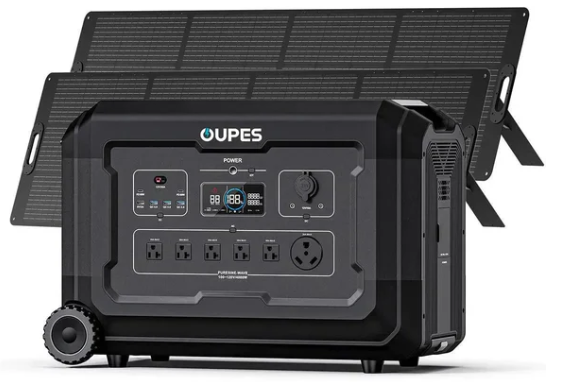
A solar generator—also known as a portable power station—is a compact energy storage system that can power appliances and electronics. It stores energy from solar panels or AC charging and delivers it through standard outlets. Modern models use LiFePO₄ batteries for safety, longevity, and efficiency.
Main Components
- Solar Panels: Capture sunlight and convert it to DC electricity.
- Charge Controller: Regulates voltage and prevents overcharging.
- Battery Storage: Holds the energy for later use.
- Inverter: Converts DC to AC power for home devices.
Why Use One for a Home Server?
- Silent Operation: Perfect for indoor environments.
- Clean Energy: Zero emissions, zero fumes.
- Portability: Can be relocated or used during emergencies.
- Backup Power: Keeps your server online during outages.
Battery Sizing Example
A home server that draws 150W for 10 hours needs about 1.5 kWh (1500Wh) of stored energy. A power station with at least 2000Wh capacity offers a comfortable margin for extended uptime or multiple devices.
Comparison: Grid Power vs. Solar Power for Home Servers
Here’s how traditional electricity compares with using a solar generator for powering your home server:
| Category | Grid Power | Solar Generator / Portable Power Station |
|---|---|---|
| Reliability | High, but dependent on utility grid | High when paired with proper solar input |
| Environmental Impact | Moderate to high (fossil fuel use) | Low (renewable and emission-free) |
| Cost Over Time | Recurring electricity bills | Upfront investment, minimal maintenance |
| Noise | Silent | Silent |
| Backup Capability | Requires UPS or generator | Built-in backup storage |
| Installation | Fixed | Plug-and-play portability |
Solar generators clearly provide an efficient, eco-conscious alternative, especially for users looking to reduce dependence on the grid or operate off-grid servers.
Power Management and Backup Strategies
1. Use an Efficient Power Supply
Choose an 80 PLUS-certified PSU to minimize wasted energy. An efficient power supply can save up to 10–15% of your total power usage.
2. Optimize Server Settings
Enable sleep or hibernation modes, use SSDs instead of HDDs, and schedule backups during daylight hours to align with solar production.
3. Monitor Energy Consumption
Energy-monitoring devices or smart plugs can help track your server’s real-time usage and identify inefficiencies that drive up costs.
4. Include Battery Storage
Pairing solar generation with a battery system ensures stable nighttime power. LiFePO₄ batteries, in particular, can retain over 80% of capacity even after 3,000+ charge cycles.
5. Redundancy Is Key
Use both solar and grid power with an automatic transfer switch (ATS) so your server remains uninterrupted even when sunlight or battery charge runs low.
Setting Up an Efficient Solar Power System
Step 1: Estimate Your Server’s Load
Find out your server’s average wattage and operating hours. Multiply these to get your daily energy consumption (in Wh or kWh).
Step 2: Size Your Solar Panels
For example, if your server uses 3.6 kWh daily and your region gets five sun hours per day, you’ll need roughly 750W–800W of solar panels.
Step 3: Choose a Portable Power Station
Select a system that supports continuous output equal to or greater than your server’s wattage. Opt for one with LiFePO₄ chemistry and smart BMS protection for durability and safety.
Step 4: Install and Test
Connect solar panels to the station, then plug in your server. Monitor voltage stability, heat output, and runtime to ensure reliable operation.
Step 5: Automate Power Switching
Adding an ATS device allows seamless transitions between solar, battery, and grid power—ensuring continuous uptime with zero manual input.
How OUPES Supports Reliable Renewable Power Solutions
OUPES develops advanced portable solar generators and power stations designed for both home and professional use. Built with LiFePO₄ battery technology and high-efficiency solar input systems, OUPES products offer dependable, clean energy for applications like home servers, RVs, and emergency power.
By combining long-lasting battery performance with flexible charging options, OUPES enables users to maintain essential systems even during outages—making energy independence more accessible than ever.
FAQ
1. How much power does a home server need?
It varies by setup, but most home servers use between 100–250W. Smaller NAS units consume far less, while enterprise-grade systems can exceed 500W.
2. Can a solar generator power a home server 24/7?
Yes, if you have sufficient solar input and battery storage. A 2kWh unit can power a 150W server for roughly 13 hours.
3. Which battery type is best?
LiFePO₄ batteries are the top choice due to their long lifespan, stable voltage output, and excellent safety record.
4. What happens during cloudy days?
Solar generators can still charge—though more slowly. Using a hybrid system with grid or generator backup ensures consistent uptime.
5. Are portable power stations safe for servers?
Absolutely. High-quality stations with built-in BMS protection maintain stable voltage and temperature, making them safe for continuous operation with sensitive electronics.