




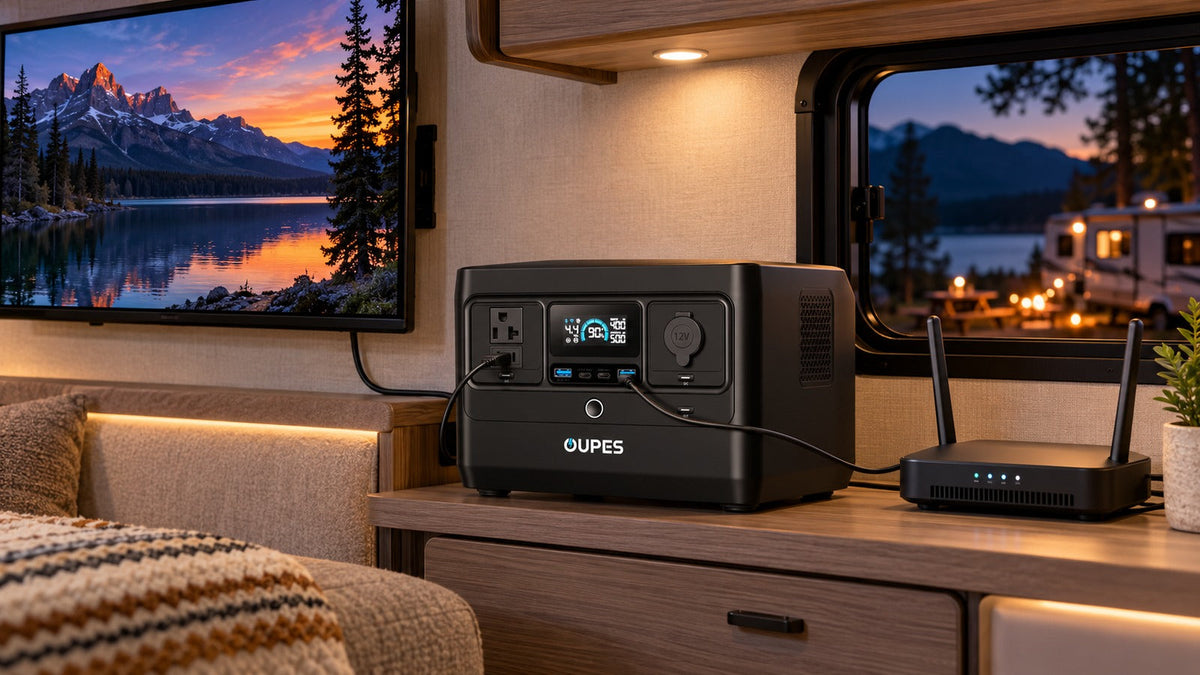
Provide backup power for an RV TV and router by measuring their combined running watts, calculating how many hours each device will operate, and choosing a power source with enough delivered watt-hours and compatible outputs. A modest portable power station can often cover this electronics-only load, but the answer changes when the battery also supports a refrigerator, furnace fan or other RV systems.
Key Takeaways
- Measure the television, router and any modem or cellular gateway as a complete system.
- Use energy in Wh to size runtime and output in W to confirm compatibility.
- Direct DC or USB-C power can be efficient only when every electrical requirement matches.
- Keep the router and power station ventilated, dry and secured for travel.
- Test the system with shore power disconnected before relying on it at a campsite.
Define the RV Entertainment and Network Loads
Start with the TV's electrical input, not its screen size. A small LED TV may draw much less than a large television, while brightness, speakers and streaming devices can change consumption. Include the router, cellular gateway, satellite terminal, modem and any separate streaming box that must run.
A router may keep the local Wi-Fi network active without providing internet. Campground service, cellular coverage and satellite terminals each have separate availability and power requirements. Record the exact equipment and whether each device must remain on continuously.
Calculate the Daily Energy Requirement
For each device, multiply average watts by operating hours. Then add the results: total daily energy (Wh) = Σ watts × hours.
Suppose an RV TV averages 45W for four hours, a router uses 12W for eight hours and a streaming device uses 5W for four hours. The daily load is 45 × 4 + 12 × 8 + 5 × 4 = 296Wh. With a 90% usable fraction and 85% AC efficiency, the nominal battery requirement is approximately 296 ÷ (0.90 × 0.85) ≈ 387Wh. Adding a 20% operating reserve brings the planning target to about 465Wh.
This example does not include other RV loads. A 12V refrigerator, water pump, vent fan or furnace blower can exceed the entertainment budget and must be calculated separately.
Choose the Right Output Path
AC outlets are the simplest choice when using the original TV and router adapters. Confirm the power station supplies the required voltage and frequency, and keep total load below both the station and outlet limits.
Some RV TVs and routers accept DC power. Direct DC can reduce conversion steps, but the required voltage, polarity and connector must match exactly. USB-C power is appropriate only when the device and cable support the same negotiated profile. Improvised adapters can create equipment damage even at low wattage.
If the portable station is connected to the RV through a dedicated inlet, confirm that the RV's converter or charger will not create an unintended loop that tries to recharge the station from its own output. Follow the RV and power-station manuals for any system-level connection.
Select a Practical Battery Size
| Use pattern | Estimated load energy | Planning direction |
|---|---|---|
| Router only overnight | About 100–200Wh | Compact electronics backup may fit |
| TV plus router for one evening | About 250–450Wh | Mid-size compact station provides useful reserve |
| TV, router and broader RV essentials | 500Wh and above | Build a complete daily load sheet |
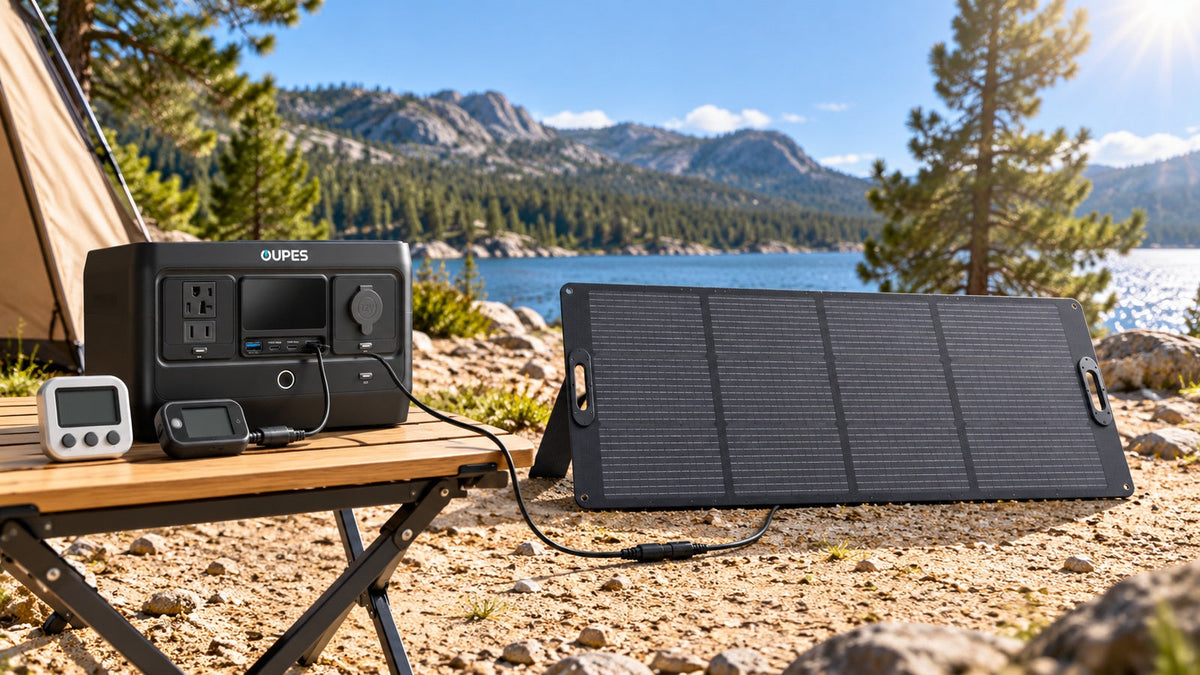
These ranges are examples, not device specifications. For the 296Wh example, the OUPES Exodus 700 provides a 576Wh rated battery and a 700W inverter in a 13.9 lb unit. That makes it a relevant comparison for an electronics-focused RV backup plan, provided the measured load and required runtime fit.
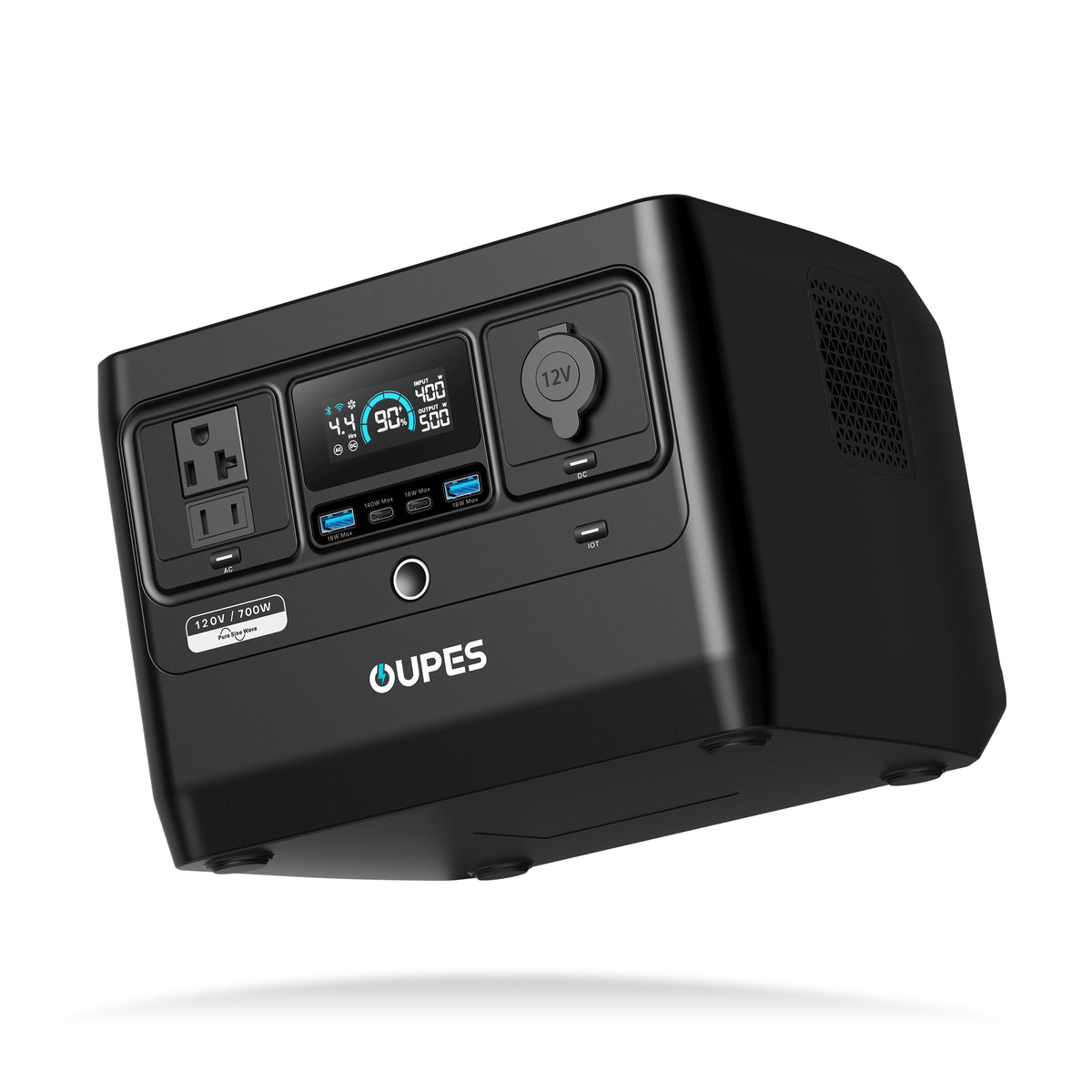
OUPES Exodus 700
- 576Wh rated capacity for electronics and measured RV loads.
- 700W continuous AC output and 1,200W peak.
- 13.9 lb with LiFePO4 battery chemistry.
- 140W USB-C output and up to 240W solar input.
For broader vehicle planning, review the RV power station options only after calculating all essential loads.
Set Up the Equipment Safely
- Place the station on a stable, dry surface where vents remain clear.
- Secure the unit for travel; use it only after it is safely positioned.
- Keep cords away from walkways, door mechanisms and sharp cabinet edges.
- Use cords and power strips rated for the full load and replace damaged cables.
- Do not cover the power station with bedding or place it in an unventilated compartment.
- Keep antennas and networking equipment arranged according to their manufacturers' guidance.
If the RV connection involves fixed wiring or a transfer device, use equipment designed for that purpose and qualified installation where required.
Run a Pre-Trip Test
Charge the station, disconnect shore power and operate the exact TV and network setup for a normal evening. Record starting battery percentage, average output watts and ending percentage. Confirm that streaming remains stable, the router does not restart and no low-load shutdown interrupts service.
Repeat the test with other loads that may run at the same time. The result gives a more useful trip plan than adding maximum adapter ratings. If the measured energy exceeds the battery budget, reduce TV hours, use efficient display settings, recharge during the day or choose a larger compatible system.
Frequently Asked Questions
Can a portable power station run an RV television?
Usually when voltage, frequency and running watts fit the station's output. Measure the exact TV.
How much power does an RV router use?
It varies by router, modem and cellular or satellite equipment. Measure the complete network stack.
Should the router stay on all night?
Only if continuous connectivity is needed. Scheduling it off can save energy.
Can I use the RV's 12V outlet?
Only when the outlet, plug, polarity, voltage and current all match the device and load.
Will the router work without campground internet?
It may provide local Wi-Fi, but internet service still requires an operating upstream connection.
Can the TV and router share one AC outlet?
They may share a properly rated power strip when the combined load remains within every limit.
Does TV brightness affect runtime?
Yes. Display settings and volume can change the television's average power.
Should solar be included for a weekend trip?
Include solar when expected energy use exceeds stored energy and the campsite has suitable sun and deployment space.
Can I power the whole RV from the same station?
That requires a complete load, connection and startup analysis beyond the TV and router alone.


Leave a comment
This site is protected by hCaptcha and the hCaptcha Privacy Policy and Terms of Service apply.