


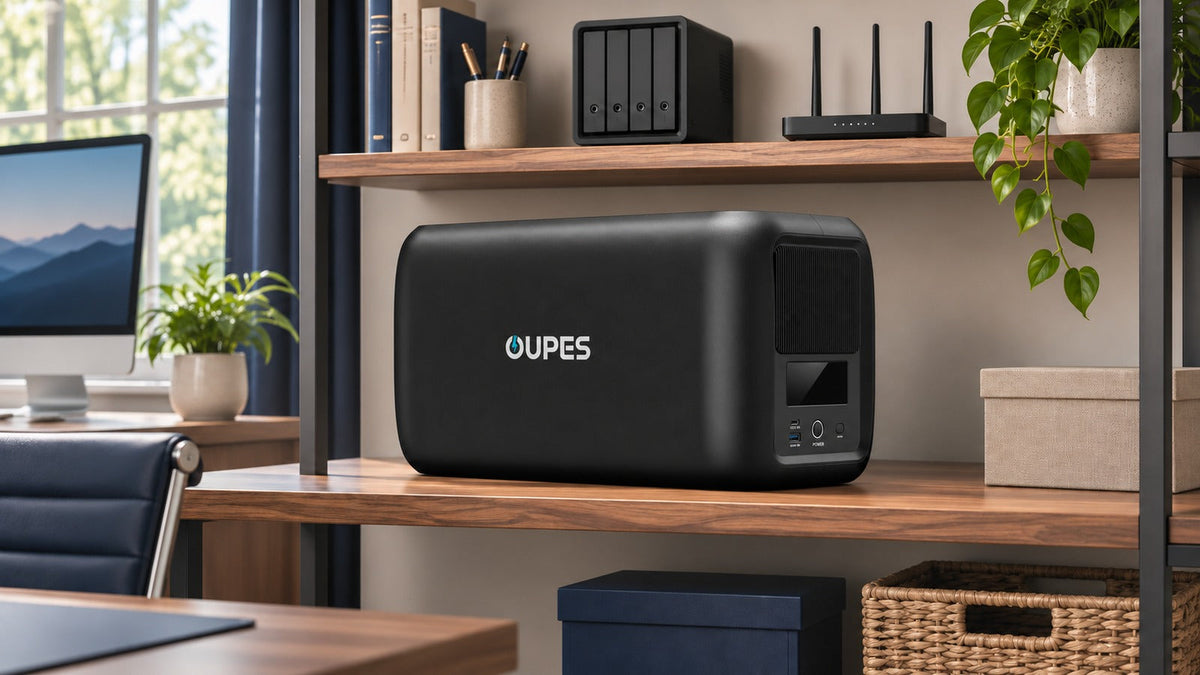
Start with two questions: which devices must stay on without interruption, and how long must they run after an outage? A UPS is the focused choice for a desktop computer, NAS, or network gear that cannot tolerate a power break. A larger portable power station can provide more stored energy for a longer work session, but its transfer behavior must be checked before using it as a UPS. Measure your actual load in watts, multiply by the hours needed, and then allow for conversion losses and a reasonable reserve.
Key Takeaways
- Watts (W) determine whether a backup unit can run the connected equipment; watt-hours (Wh) determine approximate runtime.
- Count the modem, router, network switch, NAS, monitor, and computer separately. A laptop with its own battery may need less immediate backup than a desktop PC.
- For a demonstration 150W office load, four hours requires 600Wh delivered to devices. With an illustrative 75% usable-energy factor and 20% planning reserve, the nominal battery target is about 960Wh.
- Test the complete setup under a safe, controlled power-loss simulation before relying on it for work or data protection.
Choose the backup goal before buying a battery
A home-office outage can mean a five-second interruption, a 30-minute disruption, or a workday without grid power. Those are different problems. For a desktop workstation or NAS, the first priority is keeping power continuous long enough to save work and shut down cleanly. For a laptop user, the computer's internal battery already covers the immediate transition, but the modem and router may still fail. For a multi-hour outage, stored energy becomes the main constraint.
Write down a target for each device: uninterrupted operation, time to save and shut down, or hours of continued use. A NAS may only need a controlled shutdown, while a router may need to remain on for several hours. Remember that local backup power cannot restore an internet provider's damaged network; confirm whether the connection itself remains available during an outage.
If you are unsure how a dedicated UPS differs from an energy-storage unit, read OUPES's UPS and portable power station guide before selecting a transfer-time requirement.
Measure the equipment that will actually be connected
The wattage printed on a power adapter is often its maximum output, not the device's steady draw. Use a plug-in power meter for AC equipment when possible, or check device specifications and treat them as estimates. Measure during realistic work: a desktop under load can differ greatly from one at idle. Include the modem or optical network terminal, Wi-Fi router, network switch, NAS, external drives, monitor, speakers, and task lighting only if they must stay on.
| Device | Illustrative running load | Why count it? |
|---|---|---|
| Modem and Wi-Fi router | 20W | The laptop battery does not keep the network online. |
| Small NAS | 35W | It may need time for a safe shutdown. |
| Laptop charging | 65W | Charging draw varies with battery level and workload. |
| Monitor | 30W | It can be switched off to extend runtime. |
| Total for this example | 150W | These are planning assumptions, not measured OUPES performance or universal device ratings. |
Check the peak and startup demand of connected devices separately from their average running load. The backup unit's continuous AC output and individual outlet limits must accommodate the simultaneous load. A high battery capacity cannot compensate for an output limit that is too low.
Calculate watt-hours, losses, and reserve
The basic energy calculation is device energy (Wh) = device power (W) × operating time (hours). Add the energy for all devices you intend to run. To estimate a nominal battery target, divide the delivered energy by an assumed usable-energy factor that covers battery availability and conversion losses. The factor varies by equipment and operating mode; 75% below is only a conservative planning example, not a product efficiency claim.
With the example 150W load running continuously, 30 minutes requires 75Wh, two hours requires 300Wh, and four hours requires 600Wh delivered to the devices.
| Target runtime | Load energy | Battery target at 75% usable | With 20% planning reserve |
|---|---|---|---|
| 30 minutes | 150W × 0.5h = 75Wh | 100Wh | 120Wh |
| 2 hours | 150W × 2h = 300Wh | 400Wh | 480Wh |
| 4 hours | 150W × 4h = 600Wh | 800Wh | 960Wh |
The final column uses nominal capacity ≈ load energy × 1.20 ÷ 0.75. Do not add a second conversion-loss allowance after using this formula. Actual runtime depends on load variation, inverter consumption, battery condition, temperature, operating mode, and the manufacturer's usable-capacity limits.
You can also reduce demand. In the example, turning off the 30W monitor and using the laptop's battery for part of the outage leaves a 55W modem/router-plus-NAS load. Four hours then requires 220Wh delivered, or about 352Wh nominal with the same factor and reserve. This is why a load-priority plan often matters more than buying the highest watt rating.
Choose continuity protection or longer-duration backup
| Primary need | What to check | Practical direction |
|---|---|---|
| No interruption to a desktop or NAS | Transfer behavior in the selected mode, output rating, safe-shutdown support, actual runtime | Use a UPS designed for the connected equipment. |
| Keep a laptop and network running for hours | Required Wh, AC and USB output, portability, charging plan | A larger home backup battery may better match the energy requirement. |
| Both uninterrupted shutdown and hours of operation | Each device's tolerance, manufacturer instructions, and the full connection plan | Plan the continuity and longer-runtime needs separately; do not assume any power station's EPS mode is equivalent to a 0ms online UPS. |
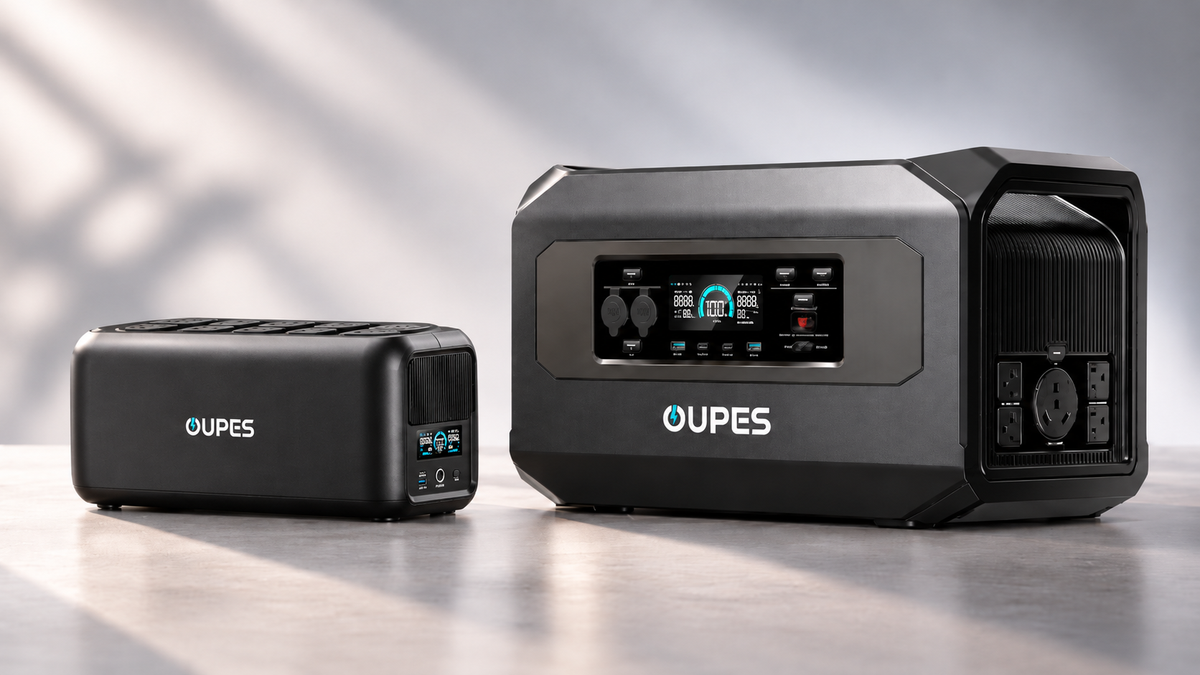
OUPES introduced the UPS 1200 and UPS 1800 on October 27, 2026. The current UPS 1200 product page lists a 368.64Wh battery, 1,200W rated output, and 0ms transfer in Online Mode. The UPS 1800 has a larger 552.96Wh battery, but operating-mode power limits and runtime should be checked on its current page before purchase. Neither model's watt rating should be read as hours of runtime.
Match the OUPES option to the actual work session
For a desktop, NAS, and network gear whose priority is a clean transition and orderly shutdown, the UPS 1200 is a relevant starting point. Its 368.64Wh nominal capacity is above the 120Wh planning target in the 30-minute demonstration, but that comparison is not a runtime promise. Measure your equipment, verify the chosen operating mode, and perform a real test. If the measured load is higher or the target is longer, reassess capacity rather than assuming the rated 1,200W output adds energy.

OUPES UPS 1200
- 368.64Wh nominal LiFePO4 battery capacity.
- 1,200W rated AC output; check operating-mode limits.
- 0ms transfer in Online Mode for compatible equipment.
- Designed for connected computers, NAS, and network devices.
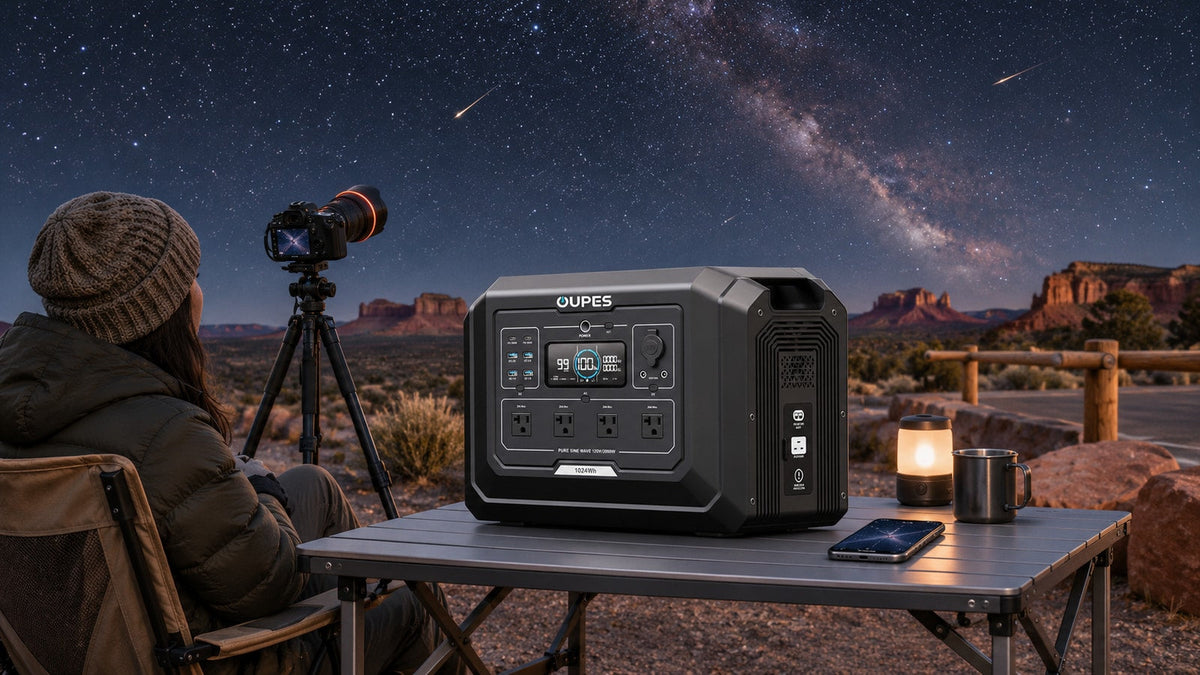
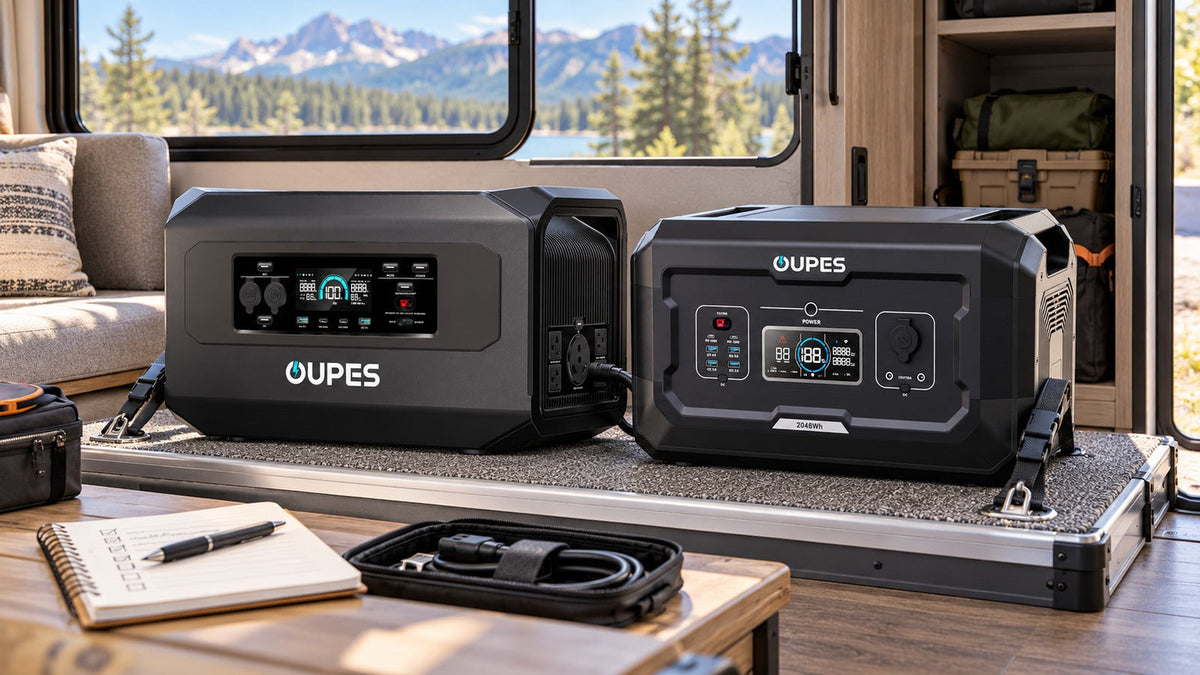
For the four-hour, 150W demonstration, the 960Wh planning target points toward a larger battery class. The currently listed OUPES Mega 1 Lite has 1,024Wh nominal capacity, which clears that illustrative energy target on paper. Its actual runtime and any automatic transfer behavior require separate verification. Use a dedicated UPS where a desktop or NAS cannot tolerate even a brief interruption.
Set up and test the system before an outage
- Measure the peak and typical draw of the complete device group. Record the values and the minimum runtime you need.
- Check the backup unit's AC voltage, continuous output, individual outlet limits, operating mode, and user manual against your equipment.
- Place the unit on a stable, dry surface with the manufacturer's required ventilation space. Keep cords accessible and avoid overloading power strips.
- For a UPS, configure any supported NAS or computer shutdown function and test it with the exact devices connected.
- Run a controlled power-loss test and time the usable backup period. Reduce nonessential loads if the result is shorter than planned.
- Recheck the plan whenever you add a monitor, desktop GPU, external drive, or network device.
Frequently asked questions
Does a 1,200W UPS run a 1,200W computer for one hour?
No. Watts describe output capability, while watt-hours describe stored energy. Runtime also falls with losses and can change at high load. Measure the complete setup and check the product's runtime guidance.
Should the monitor stay on during an outage?
Only if you need it to finish work. Switching off the monitor can leave more energy for the router, NAS, and computer.
Can a laptop keep working if the router loses power?
The laptop battery may keep the computer on, but online work still depends on the modem, router, and upstream internet service. Back up the local network equipment if connectivity is essential.
Is a portable power station the same as an online UPS?
No. Some power stations offer automatic backup modes, but transfer time and power conditioning differ by model. Check the exact mode and the connected equipment's tolerance.
Should I size for peak watts or average watts?
Use peak simultaneous demand to check output capability and measured average power over time to estimate energy. Both checks are necessary.
What is the most reliable way to confirm runtime?
Perform a controlled test with the exact equipment, settings, and operating mode you plan to use. A calculation helps select a size; a test reveals the real system behavior.

Leave a comment
This site is protected by hCaptcha and the hCaptcha Privacy Policy and Terms of Service apply.