


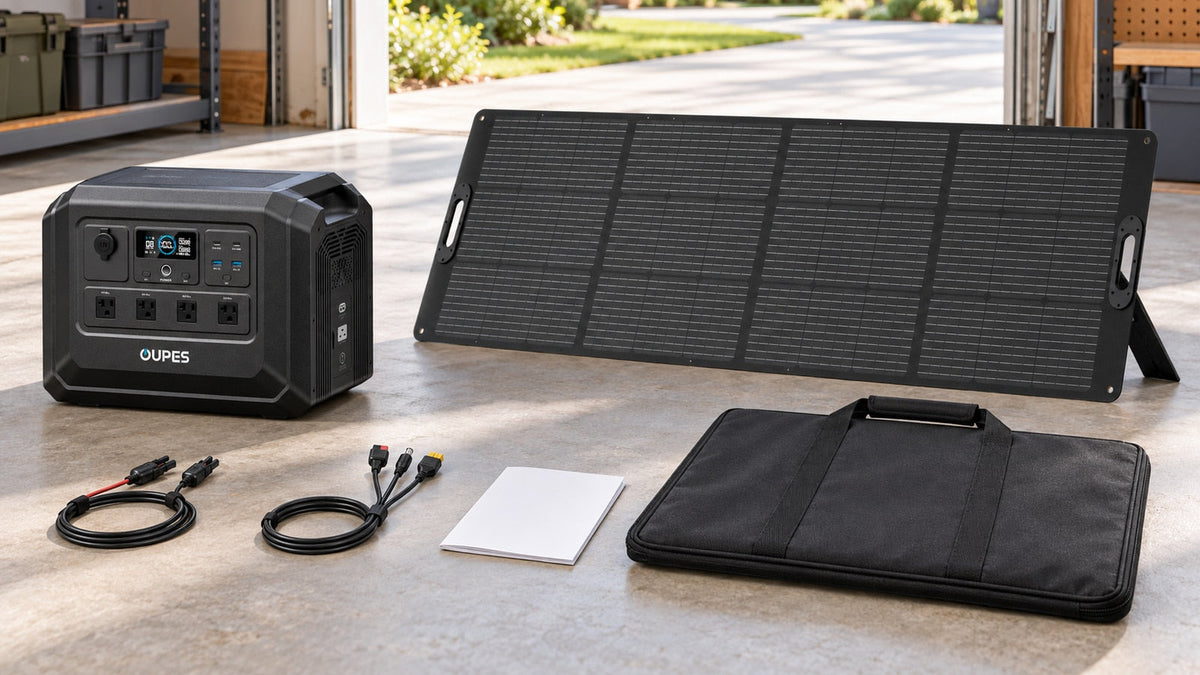
A complete solar generator kit normally includes a portable power station, one or more compatible solar panels, the solar charging cable or adapter needed to connect them, the station's AC charging cable, and operating documentation. Some kits also include car-charging cables, panel cases or kickstands. Expansion batteries, home transfer equipment, extension cords and mounting hardware are often separate. Always read the exact “in the box” list for the selected variant.
Key Takeaways
- A product photo can show accessories that are not included in every variant.
- The panel and power station must match in voltage, current, wattage and connector arrangement.
- A kit can be electrically complete for portable use without being ready for home-circuit backup.
- Expansion batteries and extra panels should be treated as optional unless explicitly listed.
- Audit the received package before an emergency or trip.
Identify the Five Core Components
- Portable power station: the battery, inverter, charge controller and output ports in one unit.
- Solar panel or panels: the energy source for off-grid recharging, with a stated wattage and electrical specifications.
- Solar connection cable: the approved cable or adapter between the panel connector and the station's PV input.
- AC charging cable: the fastest routine way to prepare the station before leaving home or before severe weather.
- Documentation: the manuals, safety instructions and warranty information for both the station and panel.
A kit may also include a car-charging cable, panel extension cable, kickstands, a carrying bag or angle indicator. These improve use but do not replace electrical compatibility. If the sales page offers several variants, the selected option at checkout controls what arrives.
The phrase solar generator does not guarantee that a panel is included. Some stores use it for a solar-ready power station sold alone. Confirm the title, variant name and included-item list together.
Verify Cables and Electrical Compatibility
Start with the power station's PV input range, maximum current and maximum solar watts. Then record each panel's Voc, Vmp, Isc and Imp. For multiple panels, calculate the array values based on series or parallel wiring. Series adds voltage; parallel adds current. Stay within every published limit and allow appropriate cold-weather voltage margin.
Check the connector at both ends. Portable panels commonly use MC4-style connectors, while a station may accept XT60, Anderson or another input. Use the approved cable. A third-party adapter can fit mechanically while using the wrong polarity, wire size or pin arrangement.
| Item | Question to answer | Evidence to keep |
|---|---|---|
| Panel array | Do voltage and current remain within the station's PV limits? | Panel and station manuals plus array calculation |
| Solar cable | Does the supplied cable connect the selected panel to the selected station? | Exact included-item list and connector photos |
| AC cable | Is the correct market-specific cable included? | U.S. variant details and box contents |
| Outputs | Do voltage, watts and ports match the intended devices? | Device labels and station output specifications |
Separate Standard Equipment From Optional System Components
An expansion battery adds stored energy only when it is explicitly compatible with the power station. It is rarely part of a basic station-and-panel kit unless the variant name says so. The expansion cable may be included with the battery or sold separately; verify both.
Home-circuit backup is another level of system. A portable kit can power compatible plug-in devices directly, but a transfer switch, inlet, interconnection equipment and installation work are separate unless the package explicitly includes them. Never connect the station to home wiring through a wall receptacle.
Other optional items include extra panels, longer approved solar cables, weather-protected cable routing, appliance extension cords of appropriate rating and protective storage. Add only what the manuals permit. Long or undersized cables can cause voltage drop and heat.
Check Whether the Kit Can Support the Daily Load
A kit can contain all necessary parts and still be too small. Calculate load energy in Wh and compare it with usable battery energy. Then estimate daily solar replacement:
Daily solar harvest ≈ array watts × peak-sun hours × system factor.
For example, a 240W panel under four equivalent peak-sun hours and an illustrative 75% factor produces about 720Wh per day. A 1,000Wh daily load creates a 280Wh deficit, so the battery declines each day. The same kit may work well for a 500Wh daily load, assuming the weather and setup support the estimate.
Output requires a separate check. Add simultaneous running watts and verify motor startup. A kit with ample battery energy can still fail to start a pump or operate a high-power cooking appliance.
Audit and Test the Kit When It Arrives
- Compare every package against the invoice and “in the box” list.
- Inspect the station, panel surfaces, connectors and cables for shipping damage.
- Read the manuals before connecting the panel or an appliance.
- Charge the station from AC and confirm that the display, outlets and ports operate as expected.
- Set up the panel in dry, suitable conditions and confirm that solar input is recognized.
- Test the intended loads one at a time, then test the planned combination without exceeding limits.
- Record measured energy use, charging input and the location of every cable.
- Store the kit charged according to the manual and repeat periodic checks.
Do this before a trip or emergency. A missing adapter discovered during an outage is not a complete kit, even if the battery and panel are individually suitable.
Compare Practical OUPES Kit Starting Points
The official OUPES product pages let buyers select station-only and panel bundle variants on several current models. Confirm the selected option and shipping status at checkout; included items can differ by variant.

OUPES Mega 1 Lite
- 1,024Wh capacity and 2,000W rated AC output.
- Product page offers station and solar-panel bundle variants.
- Up to 800W solar input.
- Suitable starting point for compact portable or backup kits after load calculation.

OUPES Mega 3
- 3,072Wh capacity and 3,600W rated AC output.
- Expandable with compatible batteries.
- Higher-output base for larger solar-generator kits.
- Check the exact panel count and cables in the selected bundle.

OUPES 240W Portable Solar Panel
- 240W monocrystalline portable panel.
- MC4 connector standard.
- Current box list includes an MC4-to-Anderson cable plus XT60, 7909 and 5521 adapters.
- Verify the exact cable set on the selected kit page.
For a fixed or extended-use setup, review OUPES home solar generator options and distinguish portable components from building connection equipment.
Frequently Asked Questions
Does every solar generator kit include a solar panel?
No. Some listings use the term for a solar-ready power station. Check the selected variant and included-item list.
Should the solar charging cable be included?
A complete panel bundle should identify the cable or adapter needed for that pairing. Verify it explicitly before purchase.
Is an AC charging cable still necessary?
Yes for most owners. It lets you prepare the battery quickly and provides another recharge source when solar conditions are poor.
Are expansion batteries normally included?
Usually only when named in the bundle. Confirm battery quantity, compatibility and whether the expansion cable is included.
Can I add any brand of solar panel?
Only when the panel or array remains within the station's voltage, current and watt limits and uses an approved connection arrangement.
Does a home-backup kit include a transfer switch?
Do not assume so. Portable plug-in use and home-circuit integration are different configurations.
What if the product photo shows two panels?
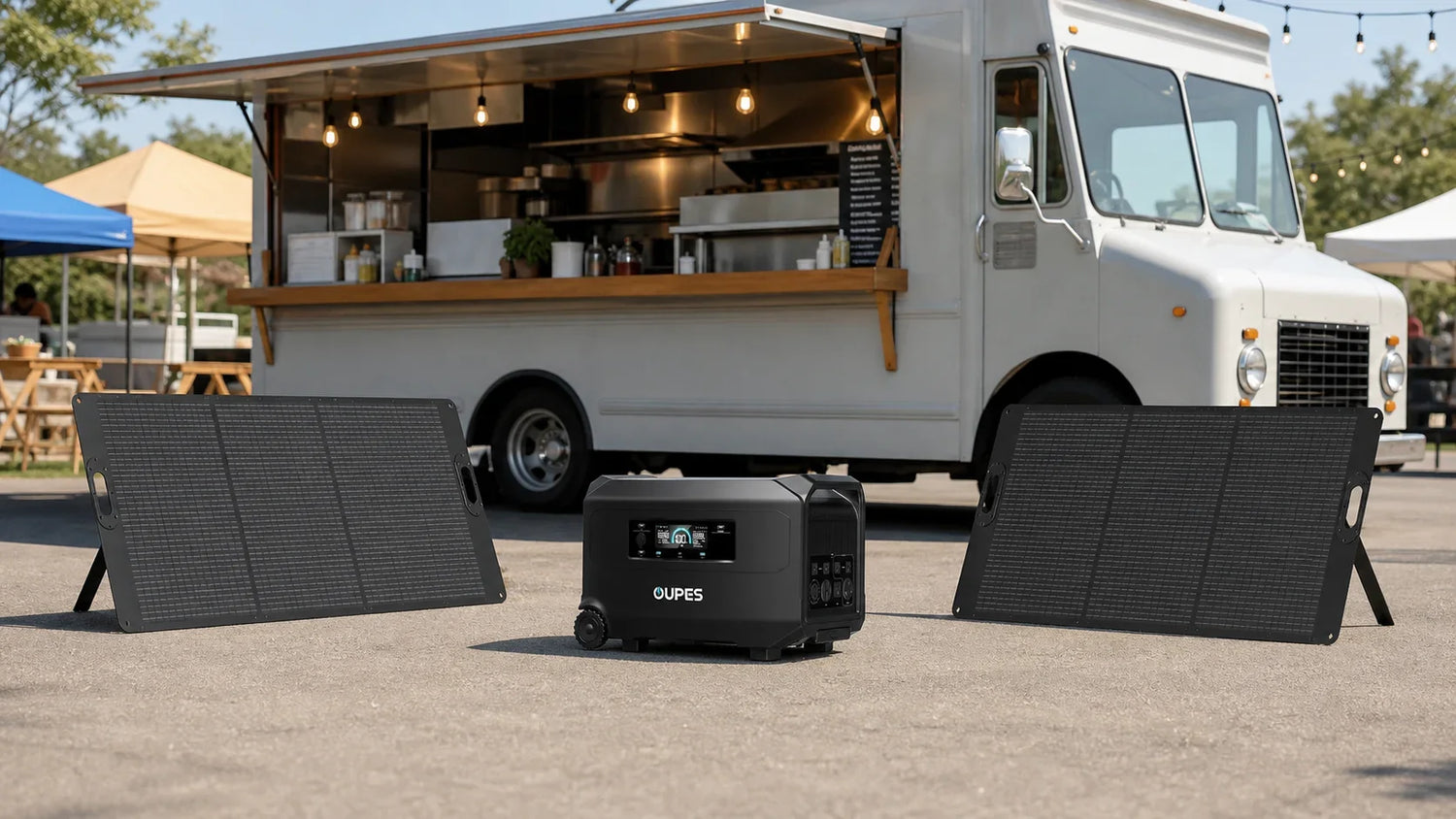
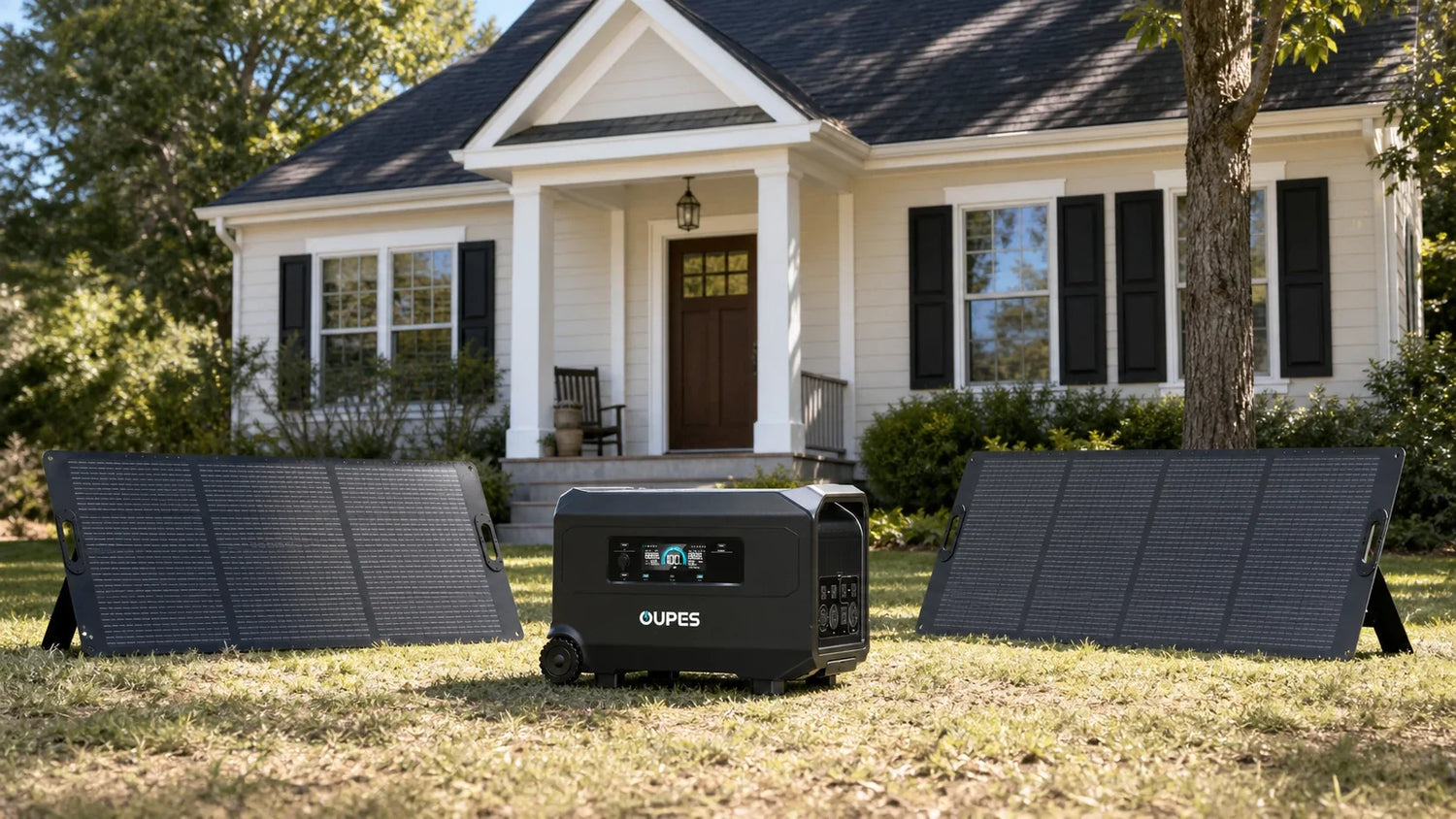
Use the written variant name and box contents as the purchase record. Lifestyle photos may show optional equipment.
Do I need a solar extension cable?
Only if the approved setup requires more distance. Use the correct conductor size and connectors, and account for voltage drop.
How can I tell whether the kit is large enough?
Calculate simultaneous output requirements, daily Wh consumption, battery reserve and realistic daily recharge.
What should I do first after delivery?
Inventory the parts, inspect for damage, read the manuals, charge from AC and test solar input and intended loads before relying on the kit.


Leave a comment
This site is protected by hCaptcha and the hCaptcha Privacy Policy and Terms of Service apply.